

This article originally covered the announcement of Android 15, focusing on its promised AI and accessibility features. Now that the developer previews have been released and the APIs are clearer, we can look back at those announcements with a more practical, technical eye. What do these changes actually mean when you are building or maintaining an Android application?
The central theme was a push towards more powerful, privacy-preserving on-device AI. The goal is to run generative AI models and other machine learning tasks directly on the device, reducing reliance on cloud servers. This has clear benefits for you, like offline functionality and better user data privacy. But it also introduces direct technical trade-offs.
Running models on-device consumes significant memory and battery. You must carefully manage model size against inference speed and power consumption, especially on lower-spec hardware. This is not a platform-level magic wand; it is a new set of engineering constraints for your development team to manage.
Accessibility APIs: Beyond compliance
Android 15 continued to build out its accessibility framework. The update brought improvements for users of screen readers like TalkBack, better support for Braille displays, and other tools for assistive technologies. For your application, supporting these features is not automatic. It requires a deliberate approach to UI/UX design and development.
Your views need to be correctly labelled, your user flows must be navigable without sight, and your custom components must expose their state to the accessibility services. While the platform provides the tools, the responsibility for implementation is yours. Ignoring this work means a segment of your user base cannot use your app, and you miss the opportunity to build a genuinely inclusive product.
How new APIs changed app development
Camera and media processing
Android 15 gave developers finer control over camera hardware. New extensions allow for improved low-light performance and advanced adjustments like HDR intensity. Using these requires integrating the CameraX library and handling a more complex camera lifecycle. It allows you to build better photo experiences, but it increases the testing surface area across different devices and hardware capabilities.
Background tasks and battery use
Each Android version tightens restrictions on what apps can do in the background. Android 15 is no different. Rules for background tasks and foreground services became stricter to improve battery life. For you, this means re-evaluating how your app handles data synchronisation, location updates, and other background work. Failure to adapt can result in the OS terminating your app's processes unexpectedly, leading to data loss or a poor user experience.
The Privacy Sandbox
This is perhaps the most significant long-term change. The Privacy Sandbox on Android fundamentally changes how user tracking and advertising attribution work. It deprecates cross-app advertising IDs in favour of new, privacy-focused APIs. Integrating these new APIs is not a minor task; it often requires a substantial re-architecture of your app's analytics and marketing SDKs.
Notification and UI changes
Changes included features like notification cooldown to reduce alert spam and more consistent UI components across the system. While seemingly minor, these require you to perform thorough regression testing. A UI element that worked perfectly on Android 14 might render incorrectly or behave differently on Android 15, requiring code changes and a new release.
Integrating platform updates into your application
A new Android version is not just a list of user-facing features. It is a set of new capabilities, new constraints, and new work for your development team. Your app may need significant changes to remain compliant, performant, and secure.
At Excelsior Technologies, we build custom Android applications. Our teams in Ahmedabad and Ontario help companies navigate these platform shifts. We can audit your existing application for Android 15 compatibility, implement new features using the latest APIs, or build a new product from the ground up. We have dedicated remote developers who specialise in native Android development, ready to integrate with your team.
Ultimately, the promises of a new OS version are only realised through careful, considered software development. The update provides the tools; we provide the expertise to use them effectively.
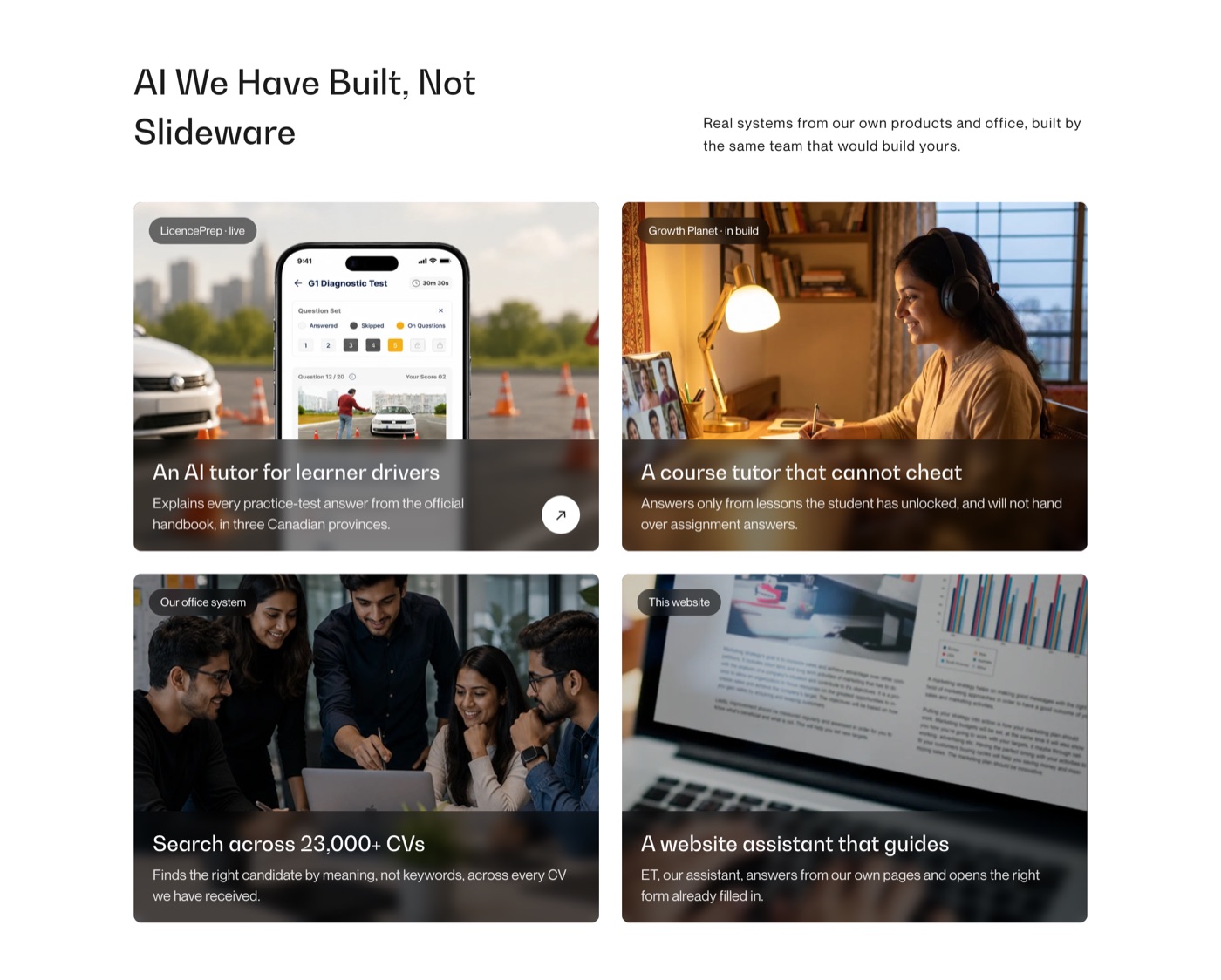
We have built this
AI we have built and run
Our office system searches more than 23,000 CVs by meaning, not keywords. LicencePrep’s tutor explains every answer from the official handbook. Growth Planet’s tutor answers only from the lessons a student has unlocked.
Want this for your business?
Ask ET on our website, or book a free 30-minute call with a project lead, not a salesperson.