
Conversion rate optimisation (CRO) is a systematic process of identifying points of friction in a user's journey and running controlled tests to reduce them. For an e-commerce business, this means turning more visitors into customers. The process begins not with guesswork, but with data analysis. Your web analytics, session recordings and user feedback are the primary sources for discovering where users drop off between landing on your site and completing a purchase.
Here are five areas to investigate, with specific technical considerations for each.
Step 1: Implement product recommendations
Recommending related products is a standard method for increasing average order value and aiding product discovery. When a user is viewing a product, showing them complementary items or alternatives can guide their purchasing decision.
Implementation ranges from simple to complex. A basic approach uses hard-coded rules, such as 'customers who bought X also bought Y'. This is fast to implement but manually intensive to maintain. A more effective method uses machine learning. We build and integrate recommendation engines that apply collaborative filtering (based on other users' behaviour) or content-based filtering (based on product attributes) to generate relevant suggestions automatically. This connects to our work in AI systems.
The trade-off is that a poorly tuned engine can surface irrelevant products, which harms user experience. An effective recommendation system requires clean data and continuous evaluation of its output.
Step 2: Enhance product pages
Your product pages stand in for the physical experience of handling an item. The quality of your media directly impacts a customer's confidence in their purchase.
For product photography, this means serving high-resolution images that support a zoom function to show texture and detail. From a technical standpoint, you should serve appropriately sized images for the user's viewport using a responsive image solution and modern, compressed formats like WebP or AVIF. The zoom function itself should be a lightweight JavaScript implementation that performs well on both touch and mouse-based devices.
For complex products, demonstration videos are often more effective than static images. When embedding video, use a player that supports adaptive bitrate streaming. This ensures a smooth playback experience for users on slower mobile connections, preventing the buffering that often leads to page abandonment.
Step 3: Refine site navigation
If users cannot find a product, they cannot buy it. Your site's navigation is the primary tool for discovery. An effective navigation system is predictable and clear.
Your main categories should be visible in a persistent header on every page. Menu labels need to be precise. 'Men's Footwear' is clearer than 'Styles for Him'. A/B testing navigation labels is a direct way to find out which structure and terminology your users prefer.
Data analysis tools are critical here. Heat maps show where users are clicking, but session recording tools can show you their journey, revealing hesitation or 'rage clicks' on non-interactive elements. This analysis is a core part of our UI/UX design process, helping us build information architectures that map to user expectations.
Step 4: Add a wish list or favourite option
A wish list allows users to save items they are interested in but not ready to buy. This captures purchase intent that would otherwise be lost if the user left your site.
This feature typically requires a user to create an account, which introduces friction. The trade-off is that you gain a direct line to that user. Once an item is on a wish list, you can build automated systems to send targeted 'back in stock' or 'price drop' notifications, re-engaging them at a later date. This is a common feature in the custom CRM and e-commerce platforms we develop.
A lower-friction alternative is to allow wish list creation tied to a browser cookie or session, only prompting for full account registration when the user wants to save the list permanently or across devices.
Step 5: Simplify the checkout process
The checkout is the final and most critical stage of the funnel. Cart abandonment rates are high industry-wide, and a complicated or untrustworthy process is a primary cause.
Methods for improving checkout
Offer guest checkout
Forcing account creation is a known cause of cart abandonment. Offering a guest checkout removes this barrier. The trade-off is losing the user account for future marketing. A good compromise is to offer guest checkout and then, on the post-purchase confirmation page, provide an easy, one-click option to create an account by saving the details just entered.
Test your checkout format
A single-page checkout can reduce clicks, but a long form can appear intimidating. A multi-step checkout breaks the process into logical chunks (e.g., shipping, billing, payment) and can feel more manageable, provided there is a clear progress indicator. Neither is universally better; the optimal choice depends on your audience and should be determined through A/B testing.
Pre-fill information
For returning customers, pre-filling shipping and billing addresses is a basic requirement. This depends on secure data handling and integration with payment gateways that support tokenisation, so you never have to store raw credit card details on your servers.
Improve the confirmation
The order confirmation email is more than a receipt. It's an opportunity to reduce post-purchase anxiety. It should clearly state what was ordered, the total cost, the delivery address and the expected delivery window. Include customer support contact details and a link to a tracking page.
---
Optimising an e-commerce platform involves a series of technical and design decisions. We build custom e-commerce applications and provide UI/UX design services to help you analyse user behaviour and implement these kinds of changes. If you require a technical partner to identify and remove friction from your user journey, contact us to discuss your project.
We have built this
Our own website, built to be found
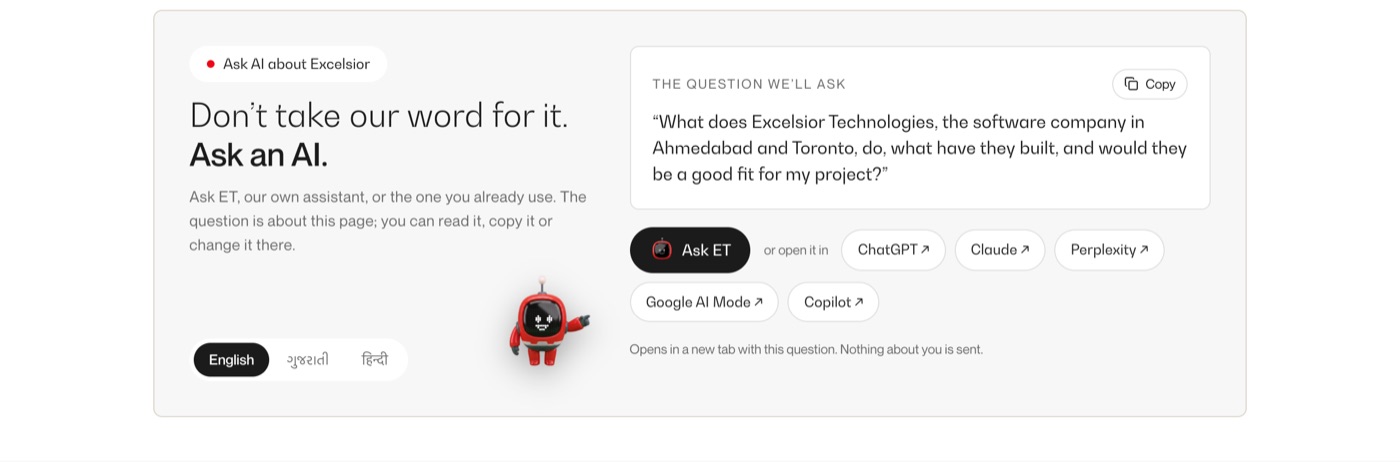
Our site publishes a plain summary for AI assistants, lets the main AI crawlers in, and marks every page with structured data. Visitors can ask an assistant about us in one click, and ET, our own assistant, answers only from our pages.
Want this for your business?
Ask ET on our website, or book a free 30-minute call with a project lead, not a salesperson.