

When you type a query into its search box, Google predicts what you might be looking for. This feature, Google Autocomplete, is built on a model that considers real searches happening on Google, including trending queries. For a digital marketer, this is not just a time-saver; it is a source of qualitative data for keyword discovery.
While many marketers overlook it, a systematic approach to analysing Autocomplete suggestions can reveal user intent and long-tail keywords that quantitative tools might miss. This article outlines a few methods for using Autocomplete to inform your SEO and content strategy.
Preparing for accurate analysis
Before you begin, you need to minimise biases that could affect the predictions you see. Your own search history, location and language settings can alter the results.
Use an incognito session
To prevent your personal search history from influencing the suggestions, either log out of your Google account or, more simply, use a private or incognito browser window for your research.
Set your location
If you are targeting users in a different country or region from your own, use a VPN to simulate your location. This ensures the predictions are relevant to that specific market.
Match your target language
Ensure your browser and Google account language settings (if not in incognito mode) match the language of your target audience. This is critical for accurate linguistic and cultural context.
Basic query prediction
The simplest method is to type a primary keyword related to your niche and observe the predictions. These suggestions are often the most common long-tail variations of your seed keyword, indicating high-volume associated searches.
This technique is effective for identifying the primary questions and needs connected to a topic.
Alphabetical expansion
To discover a wider range of keywords, you can append each letter of the alphabet to your seed term. This forces Autocomplete to generate predictions starting with that specific letter combination, systematically uncovering less obvious queries.
For example, starting with the keyword “digital marketing”:
Typing “digital marketing a” yields one set of predictions.
Typing “digital marketing b” provides a completely different set.
Repeating this process from 'a' through 'z' creates a comprehensive list of potential content topics and keyword variations.
Using wildcards to fill gaps
Google's Autocomplete supports a wildcard character, the underscore _, which prompts Google to fill in the blank within your phrase. This is useful for discovering modifiers, questions and variations that do not just appear at the end of a query.
For example, a search for “Indian _ photographer” can reveal different specialisations or locations.
This method often uncovers a broader set of query patterns than standard prediction, giving you insight into how users frame their problems and questions.
A note on interpretation
These methods provide qualitative insights into user search behaviour. They are a starting point for discovering keyword ideas and understanding user intent. Autocomplete does not provide search volume, competition or other quantitative metrics. The keywords you identify here should be further qualified using dedicated SEO tools.
Use these findings to structure content, build out FAQ sections and align your web application's copy with the actual language your audience uses. As a development company offering digital marketing services, we find this technique grounds our strategy in real user data.
Excelsior Technologies builds custom web applications and provides digital marketing services. We have published eleven case studies for clients including Univia and Angel EduNext.
We have built this
Our own website, built to be found
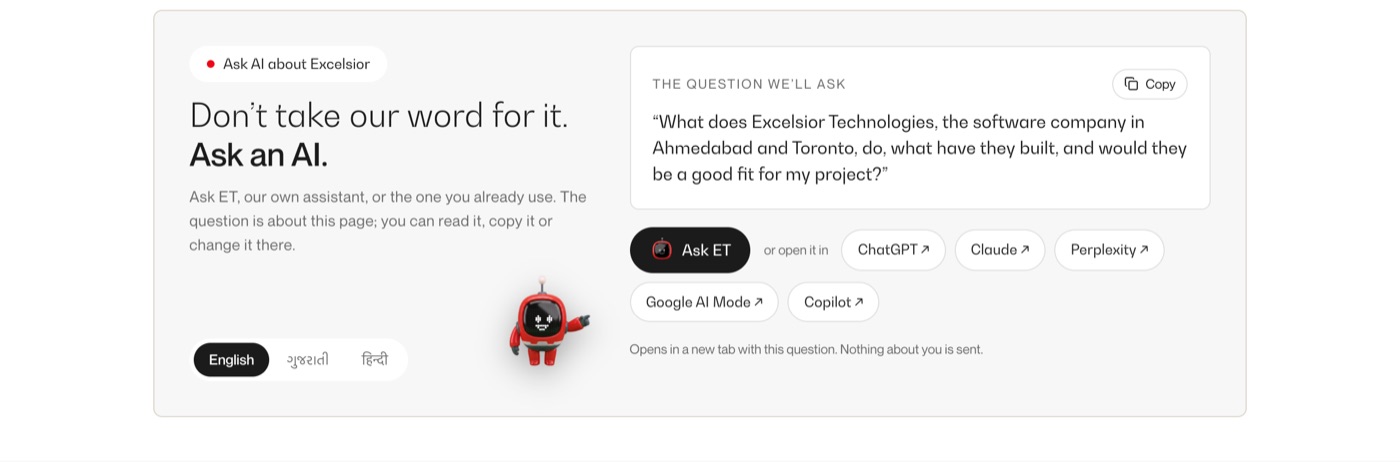
Our site publishes a plain summary for AI assistants, lets the main AI crawlers in, and marks every page with structured data. Visitors can ask an assistant about us in one click, and ET, our own assistant, answers only from our pages.
Want this for your business?
Ask ET on our website, or book a free 30-minute call with a project lead, not a salesperson.