
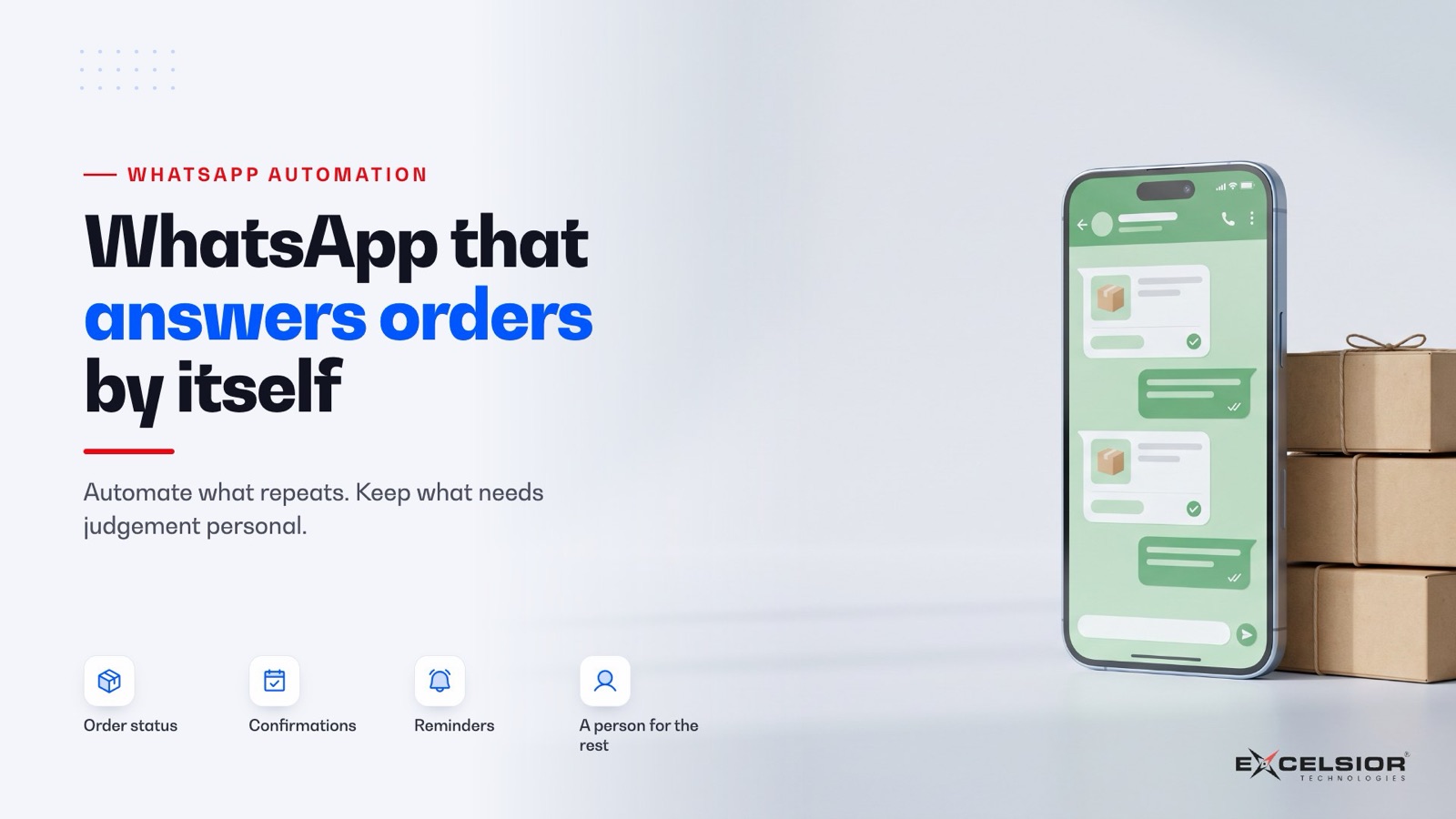
In 30 seconds
- Automate the messages that are the same every time: order status, booking confirmations, reminders, opening hours.
- Keep complaints, negotiations and anything emotional with a person, with the whole chat in front of them.
- Connect WhatsApp to your order system and CRM, so nothing lives only in someone’s phone.
In many businesses, the real customer service desk is a WhatsApp number on someone’s phone. It works until it does not: messages get missed at night, a staff member leaves with the chats, and nobody can see how many orders came in that way.
Automate the messages that are the same every time. Keep the ones that need judgement with a person.
One question, end to end
How it works
One WhatsApp question, end to end
The steps, in words
- A customer messages: “Is my order shipped?” at 9 p.m.
- It finds the order: By the phone number, in your order system.
- It replies with the status: The tracking link and arrival date, in seconds.
- Anything unusual goes to a person (a person decides): A complaint or a refund lands in the team inbox, with the chat.
- Everything is in your CRM: Every message linked to the customer record.
What to automate first
Order status
“Where is my order?” answered from your order system, with the tracking link.
Booking confirmations
Date, time and place, with a one-tap way to change it.
Reminders
Payment due, appointment tomorrow, renewal next week.
Common questions
Hours, prices and delivery areas, answered from your own information.
Invoices and receipts
Sent as a PDF the moment they are issued.
Delivery updates
Out for delivery, delivered, with proof.
What to keep with a person
Let it run automatically
- The same answer every time
- Information that comes from your system
- Messages the customer expects instantly
Send to a person
- Complaints and refunds
- Negotiations and custom quotes
- Anything written in anger, or in doubt
The best setups make the hand-over seamless: the person sees the whole conversation and the customer’s orders, and the customer never has to repeat themselves.
The business account, done properly
The free WhatsApp Business app on one phone is fine for a small shop. Once more than one person replies, or you want automation, you need the WhatsApp Business Platform, set up through Meta or an approved provider.
Meta charges for the messages you start, by type and country; replies to a customer who has just written to you are treated differently. Check current pricing at your volumes before you plan campaigns.
In practice
A distributor’s order line
Say a distributor takes repeat orders from a few hundred shops on WhatsApp.
- Before: two staff read every message, type orders into the system and reply by hand, until late evening.
- Step one: order status and invoice copies are answered automatically, from the order system.
- Step two: a shop repeats last week’s order by replying to its summary; a person confirms it.
- Now: the team handles exceptions and new customers, and every order is in the system, not in a phone.
Where to start
- Week 1Move to the platform
Your number on the WhatsApp Business Platform, with a shared inbox.
- Weeks 2–3Automate one answer
Order status, connected to your order system.
- Month 2Add reminders
Templates approved, customers opted in.
- ThenGrow carefully
One automated message at a time, with a person one tap away.
We have built this
Every enquiry lands in one place
On our own website, every form and every assistant hand-over arrives as a lead in our office system, graded and followed up by a person. The same pattern connects WhatsApp: every message linked to a customer record, nothing left in someone’s phone.
Frequently asked questions
Can we keep our existing WhatsApp number?
Usually yes. Depending on the setup, the number may stop working in the regular app on a phone, so check with your provider and plan the switch for a quiet day.
Will customers know they are talking to automation?
They should. A short line such as “Automated update from Shah Traders” keeps trust, and a person should always be one reply away.
Can we send offers to all our customers?
Only to customers who have agreed to receive them, using approved templates. Unwanted promotions get numbers reported and limited.
Does this work with our existing software?
If your order system or CRM has an API or can export data, yes. If not, a small connector can usually be built.
Want this for your business?
Ask ET on our website, or book a free 30-minute call with a project lead, not a salesperson.